
After COVID-19, our grant to provide tech literacy services to library patrons had to change from in-person classes and one-on-one support to something virtual. Given that our audience was very low tech folks, this was a challenge. We tried multiple
Libraries pivot during the COVID-19 pandemic
Last year, we began work on two new library projects. The first was a digital history of the city of Huachuca City. The second was a tech literacy project for Cochise County, which was focused on increasing the digital literacy
Library work
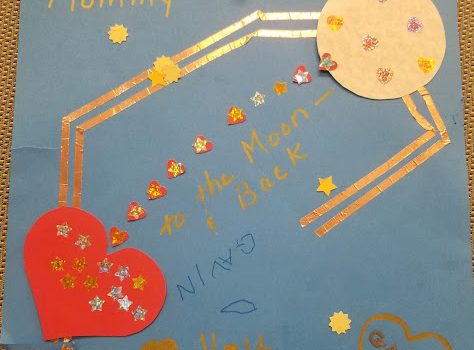
It’s summer, and we’ve just finished this year’s round of library work. In 2018-19, we completed a Digital Literacy Center project and an expansion of the Creativity in a Box work. These were both grant-funded projects for which we wrote
2018 Year in Review
As our business has shifted, I haven’t been blogging much here, but we have been up to some good work! The Creativity in a Box program that we started in 2016 in Portal was expanded county-wide. We are putting maker
Free books!
In 2017, I embarked on a fantastic community project to install and maintain Free Book Boxes in the more rural parts of our county. Like the previous year’s Making and Sharing/”Creativity in a Box” project, this was funded by the Arizona
Podcasting: Everything old is new again
A brief (and selective) history of podcasting… 2004 – Podcasting “invented” (according to Wikipedia… remember Adam Curry?). 2005 – The New Oxford American Dictionary names “podcast” as word of the year. 2005 – K12 Handhelds hosts their first podcasting workshops. 2007
Peer learning in our community
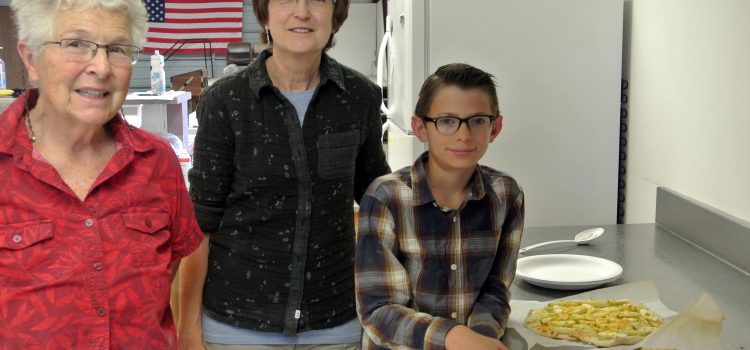
Since my experiences with Peer 2 Peer University, I have tried to incorporate aspects of peer learning in various parts of my work. The most success has been with community projects I work on like our local seed library. Our
Maker day
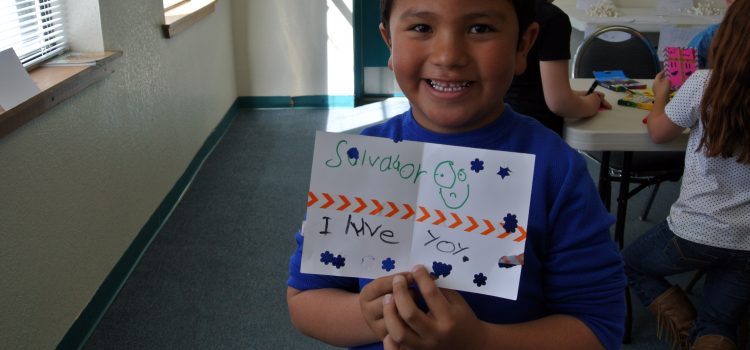
This month we conducted another maker day at Animas Public Schools with about 60 grade K-5 students. In the morning, grade K-2 students made marshmallow structures, created “unbirthday” cards, and participated in digital photo challenges. The marshmallow activity involved building
Design challenge
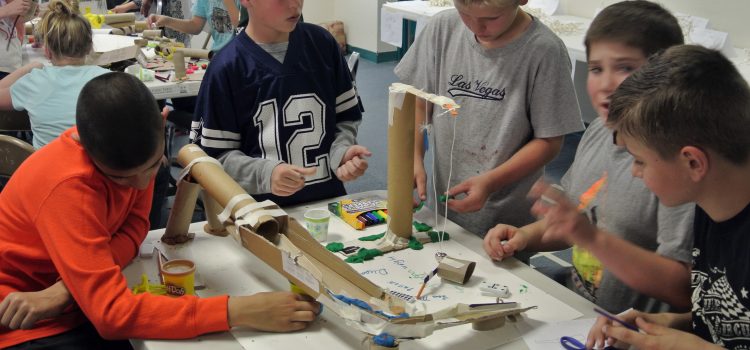
How would you design a Rube Goldberg-style contraption with the goal of ringing a bell at the end with these materials (plus a lot of cardboard)? We’ll see what kids come up with at this Thursday’s Kids Maker Day! It’s
Inspiring creativity
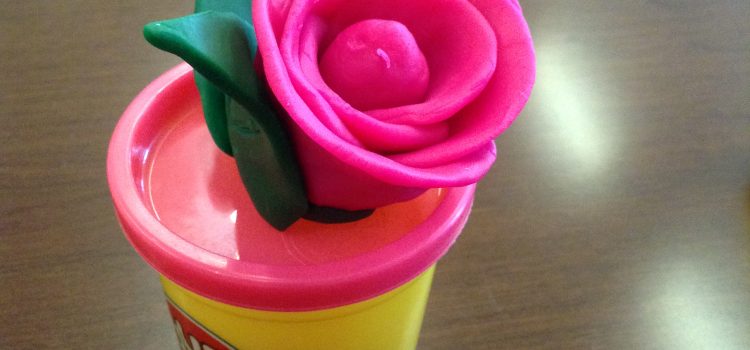
In planning meetings, I often try new things, especially things to inspire creative thinking. At a meeting this week, we put several things on the meeting tables, including lots of colored paper, cans of play doh, and legos. We gave